Build Tech Around the Trip
Camping tech works best when it solves a specific travel problem: keeping phones charged, maintaining an internet connection, creating a compact workstation, mounting a device securely or communicating locally around camp. Start with the devices you already use, how long you will be away and where you expect to camp. A powered caravan park, a weekend road trip and a remote-work setup away from mains power can need very different combinations of charging and connectivity gear.
List the essential devices first, then note their ports, charging requirements and how they connect. This makes it easier to choose compatible cables, chargers, hubs, mounts and adapters without carrying duplicates that do the same job. For equipment that needs dependable power or data, a spare critical cable or adaptor can be more useful than adding another gadget.
Starlink Accessories: Match the Exact System
The Starlink Accessories range includes mounts, poles and brackets, cases, replacement and extension cables, Ethernet accessories, cable-entry fittings and power-related items for different Starlink systems. Compatibility is the first filter: identify the exact Starlink generation or model you use before comparing accessories.
A mount that suits one dish, a cable made for one connector or an adapter intended for one generation should not be assumed to fit another. Check the product page for model compatibility, connector type, cable length, mounting method, hardware and intended environment. For vehicle, caravan or marine-style mounting, also consider the mounting surface, vibration, clearance and whether the product is intended for temporary or fixed installation.
Powering Starlink Mini and Other Connectivity Gear
Portable connectivity equipment can be convenient away from mains power, but the power source, cable and device all need to be compatible. For Starlink Mini power accessories, check the exact input connector and the voltage, current or USB-C Power Delivery requirements stated for the device and accessory. A connector that physically fits does not by itself confirm electrical compatibility.
Cable length and conductor size can matter in low-voltage setups because voltage can drop along a cable. Avoid assuming that a longer replacement lead will perform the same as the original in every setup. Follow the equipment specifications and use a power source and cable combination rated for the required output. Do not modify plugs or wiring simply to make incompatible equipment connect.
Charging Cables, Car Chargers and Power Banks
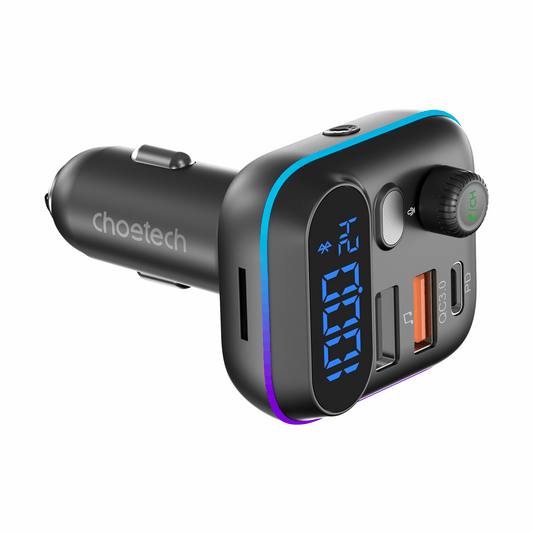
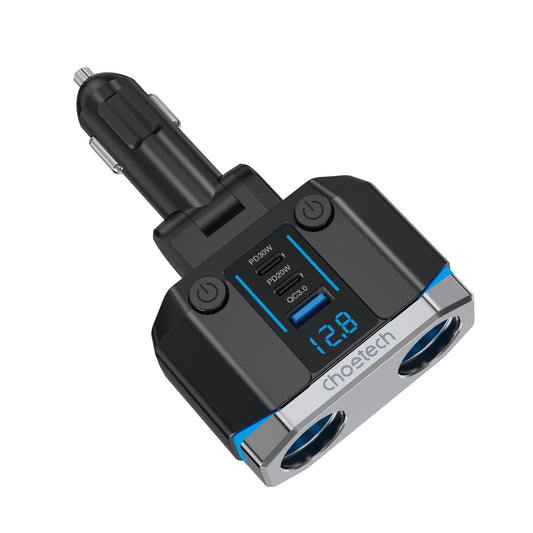
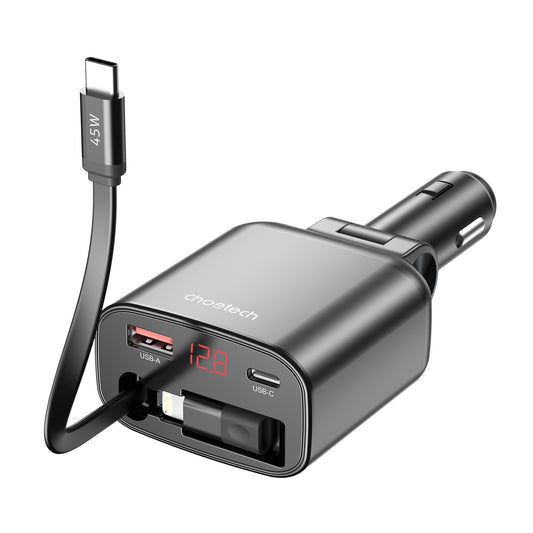
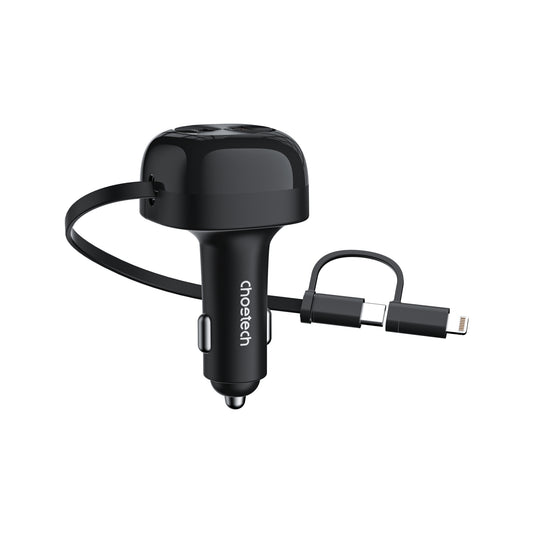
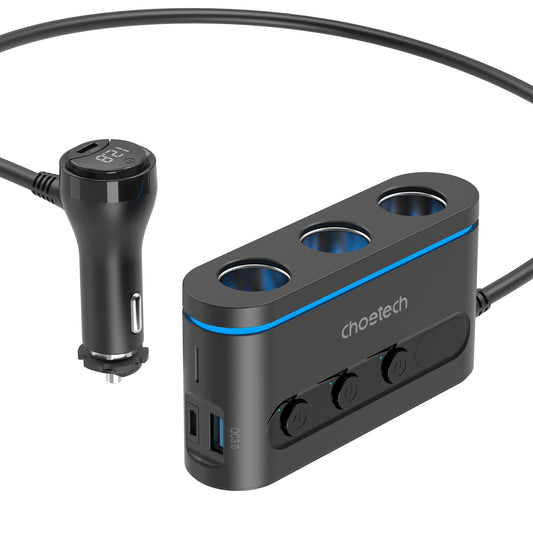
Browse Charging & Cables for portable charging gear used with phones, tablets, laptops and other travel electronics. When comparing chargers, look beyond the number of ports. Check the connector type, maximum output, supported charging protocols and whether the device you want to charge can actually use that output.
Power-bank capacity is useful for comparing stored energy, but it does not tell you on its own how fast a device will charge or how many real-world charges you will get. Conversion losses, device battery size, output limits and simultaneous charging can all affect use. Choose a power bank around the equipment you need to support, then follow its charging, storage and temperature instructions.
For vehicle chargers, make sure the vehicle outlet and charger are suitable for the intended load. Keep leads routed so they do not interfere with driving controls, pedals, doors or moving seat hardware. Replace damaged cables and connectors rather than continuing to use leads with exposed conductors, loose plugs or intermittent charging.
Mounts and Stands for Phones, Tablets and Laptops
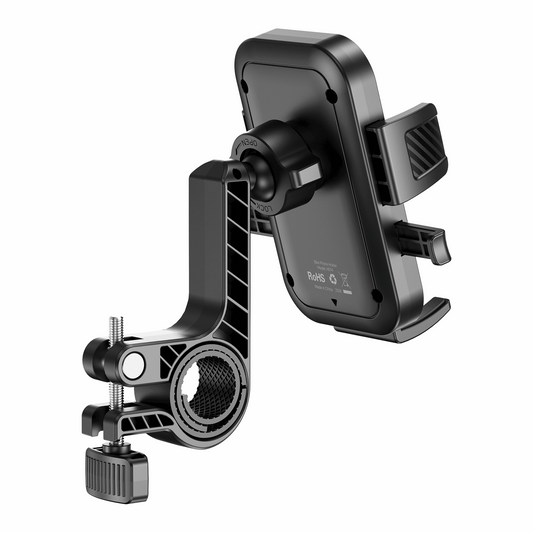
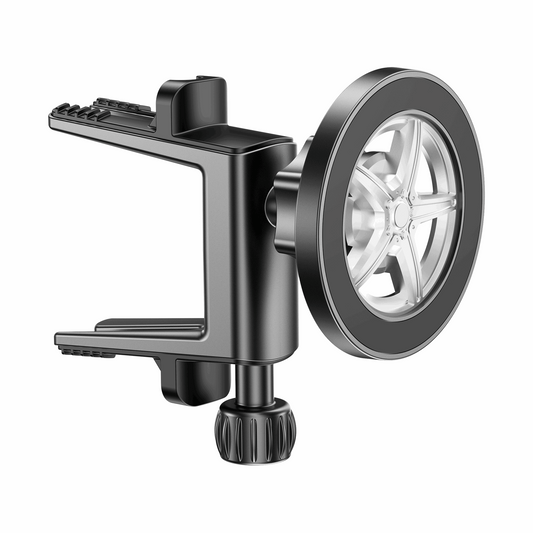
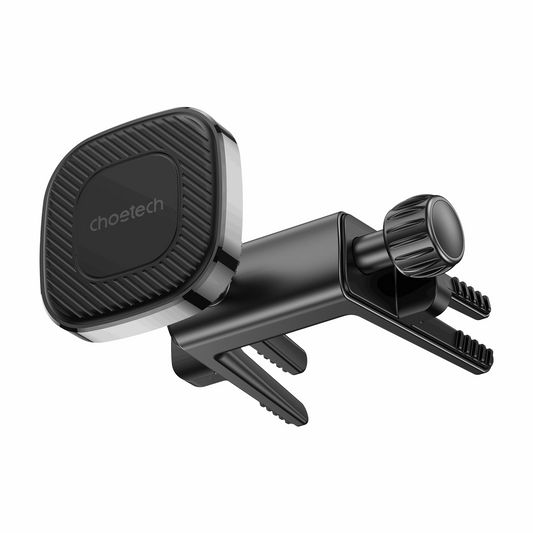
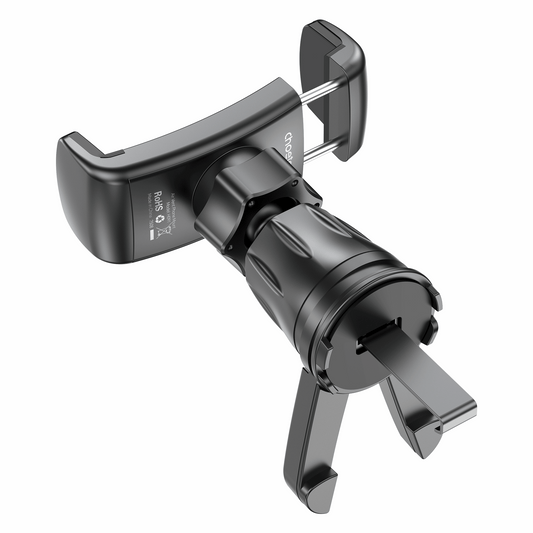
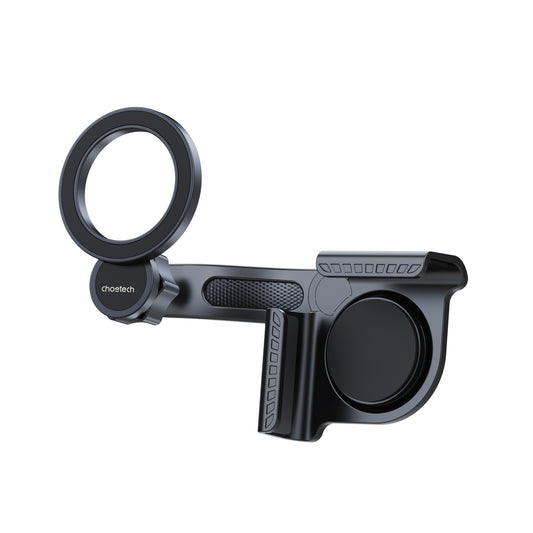
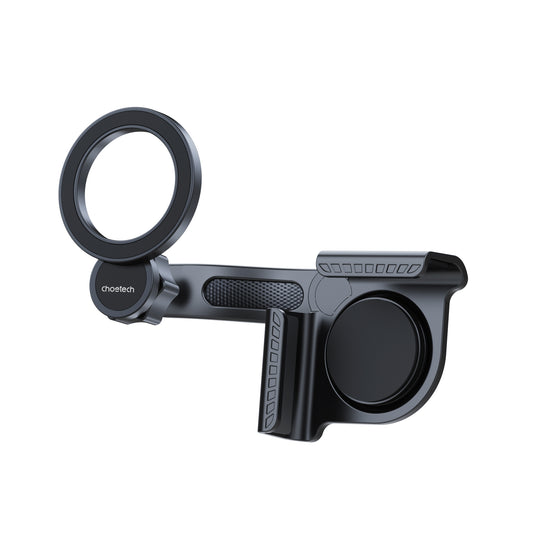
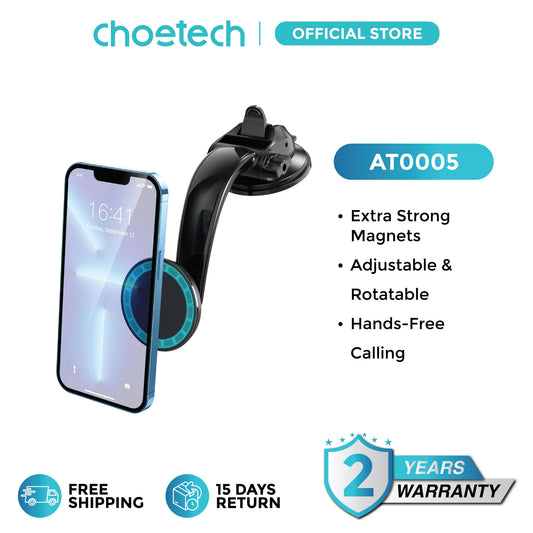
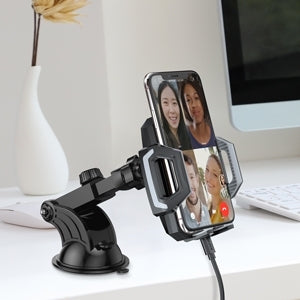
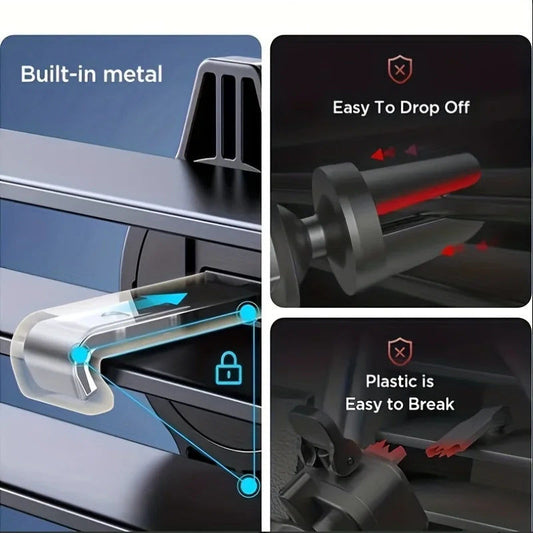
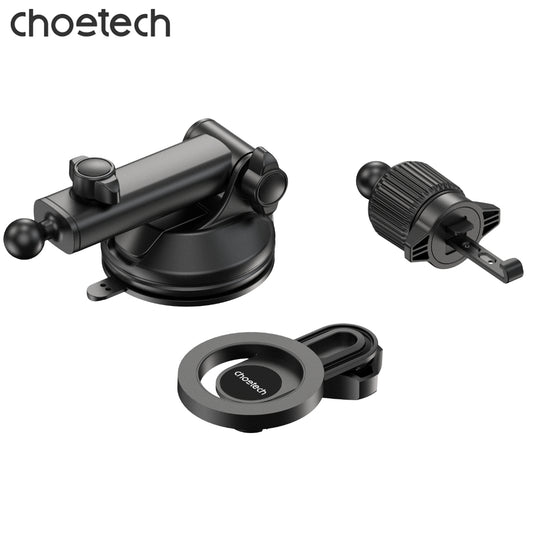
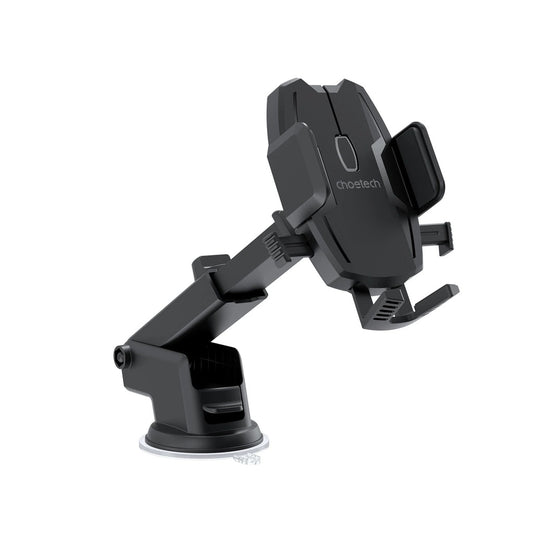
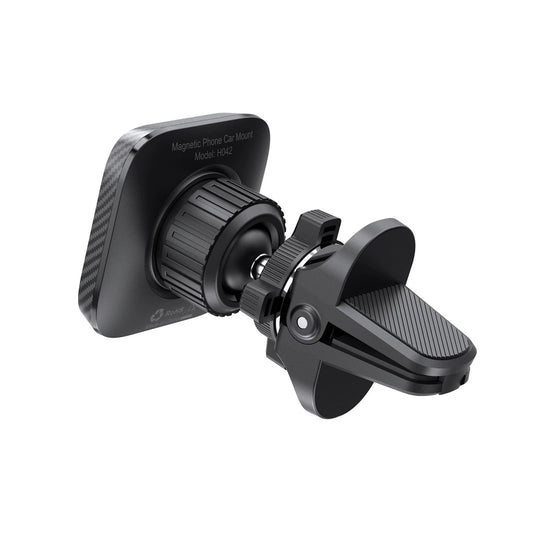
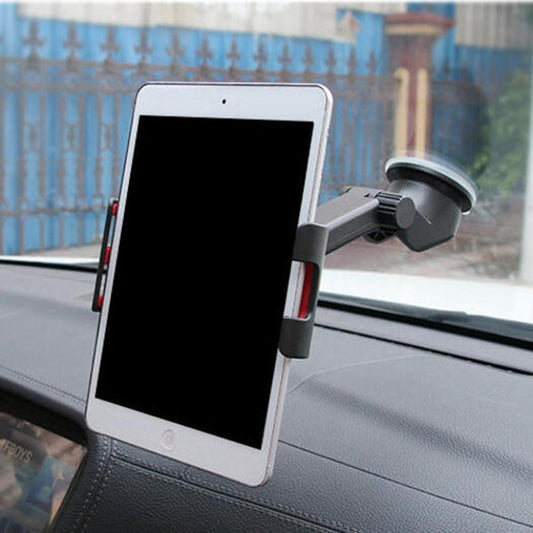
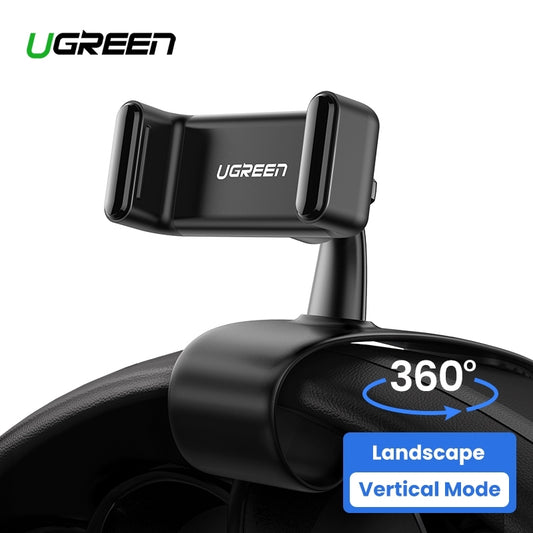
The Mounts & Stands collection includes phone mounts, magnetic and MagSafe-style holders, tablet holders and laptop stands. Start by checking the device size and weight, case compatibility, attachment method and where the mount or stand will be used.
Magnetic compatibility varies between phones, cases and mounts. Some products are designed around MagSafe-compatible devices, while other systems may use a compatible ring or plate when the manufacturer permits it. A case can also change magnetic hold or wireless-charging performance, so check the accessory instructions rather than assuming every magnetic mount works with every phone.
For a workstation, a laptop or tablet stand can improve screen positioning and free up desk space, but the stand still needs a stable surface and a suitable load rating. In vehicles, mount placement and device interaction are subject to road rules. Position equipment so it does not obstruct the driver's view or controls, configure navigation or media before driving where practical, and check the rules that apply in the state or territory and to the driver's licence type.
Remote Work Hubs, Adapters and Networking
The Remote Work Essentials range brings together compact workstation and connectivity gear such as USB hubs, display adapters, Ethernet adapters, Wi-Fi and Bluetooth accessories, laptop stands and other travel-friendly peripherals.
USB-C is a connector shape, not a guarantee that every device supports the same features. Before buying a hub or adapter, check whether the source device supports the required data speed, charging standard, video output and operating system. For displays, confirm the resolution and refresh capabilities you need; for wired networking, check the Ethernet specification and whether the laptop or tablet supports it through the selected adapter.
For remote work, build around the tasks that cannot fail. If video calls matter, test the internet connection and audio setup before an important meeting. If files must be transferred, confirm the hub and storage connection in advance. Keeping a small known-good adapter or cable as backup can be more useful than carrying a large collection of untested accessories.
UHF CB Radios for Local Communications
UHF CB radios can provide short-distance local communication for uses such as convoy travel or communicating around a campsite where terrain, distance and equipment allow. They should be treated as one communication tool rather than a guaranteed link in every location, because range can change significantly with terrain, obstructions, antenna position and equipment.
In Australia, CB radio use operates under the ACMA class licence. Use compliant equipment and follow the channel conditions; UHF channels 5 and 35 are reserved for emergency messages. Do not rely on UHF CB as the only way to seek help on a remote trip. Plan an emergency communication method appropriate to the places you are travelling and the level of isolation involved.
Protect Electronics from Heat, Dust, Moisture and Vibration
Camping exposes electronics to conditions they may not see at home. Store devices and batteries out of excessive heat, keep plugs and ports clean, and use protective cases or bags when equipment is packed away. Do not call an item waterproof simply because it is described as outdoor gear; use the stated ingress or weather-resistance information for the individual product and follow its limitations.
Condensation can also be a problem when cold equipment is moved into warm, humid air. Allow equipment to dry when needed before connecting power. In a vehicle, caravan or camper, secure electronics and heavier power banks so they cannot move freely on rough roads or during sudden braking. Check mounts, fasteners and cables again after travel over corrugated or uneven roads.
Cable Management and Strain Relief
A reliable setup is often more about cable management than adding equipment. Route cables so plugs are not supporting the weight of long leads, keep bends gentle near connectors and avoid pinching cables in doors, windows, drawers or folding furniture. Outdoors, keep connections out of pooled water and use weather protection only when the accessory is designed for that purpose.
Label similar leads when several Starlink, USB-C, DC or network cables travel together. Coil and store them without sharp kinks, and keep spare adapters in a consistent place. This makes campsite setup faster and reduces the chance of forcing the wrong connector into a port.
Build a Practical Remote-Work Setup
A compact remote-work setup usually needs four things: a connection method, enough power for the work period, the right adapters for the computer and a physically usable workstation. Add accessories only when they solve a recurring problem. A phone hotspot may be enough for one trip; another setup may benefit from satellite internet, a laptop stand, Ethernet adapter and higher-output charging.
Think about backups in layers. Connectivity can fail because of coverage, obstructions, weather, account or equipment issues; power can fail because a battery is depleted or a cable is damaged. Download important files before travelling, keep essential devices charged when an opportunity is available and avoid scheduling critical work around a setup you have never tested at camp.
Common Camping Tech Mistakes to Avoid
- Buying a Starlink mount, cable or adapter without confirming the exact Starlink generation or model.
- Assuming that a USB-C plug means every charger, hub or cable supports the same power, video and data features.
- Choosing a power bank only by capacity without checking its output and charging protocols.
- Using a long low-voltage cable without considering the device requirements and possible voltage drop.
- Mounting a phone where it can obstruct the driver's view or controls.
- Assuming a magnetic phone mount will work equally well through every phone case.
- Leaving batteries, power banks or electronics in excessive heat or direct sun for long periods.
- Treating outdoor electronics as waterproof without checking the stated rating and conditions.
- Relying on a single internet, power or communication method for important remote work or remote travel.
- Using UHF CB emergency channels for ordinary conversation instead of keeping them available for emergency messages.
Explore Camping Tech Collections
Go directly to the specialist range you need: Starlink Accessories, Charging & Cables, Mounts & Stands and Remote Work Essentials.
Product note: Compatibility, voltage, current, USB-C Power Delivery requirements, connector types, mounting methods, weather resistance and included hardware vary by product. Check the individual product page and your exact device or Starlink generation before ordering.
Safety note: Connectivity and charging equipment can fail or become hazardous when incorrectly powered, damaged, overheated or exposed beyond its rated conditions. Follow device and accessory instructions, match power and connector requirements, secure cables and mounted devices, comply with local road rules, and follow ACMA rules when using UHF CB radio.
Guide reviewed: August 2026.